
To get technicians to love new FSM software, focus on four things: involve them from the start, choose a simple app designed for mobile, test it in real working conditions, and provide proper training with a gradual rollout.
Rolling out software is always hard, and if the software is used in the field, doubly so. Technicians want to get the job done quickly and well, then head to the next site. They already dislike paperwork, let alone a new, unfamiliar app.
Let's look at how to make the rollout easier so your technicians accept the software. If you haven't chosen a tool yet, we go through the selection step by step in this article.
Don't decide on software without consulting your technicians first. Management often thinks it knows exactly what's needed and gets won over by a few shiny dashboards. Then, when the field team tries to fill in its first service report, the surprises start and the whole rollout stalls.
Give them a voice: let them, even encourage them to, share their concerns and ideas. Not only will they feel valued, they'll also be more willing to accept the new system.
Choose software that is simple, easy to understand, and lets you complete each task in a few steps. When technicians feel the software helps them, their anxiety about technology drops.
Our own data shows, for example, that people who try Kompozit's digital service report are much faster by their third or fourth report than they would be filling in the same report on paper.
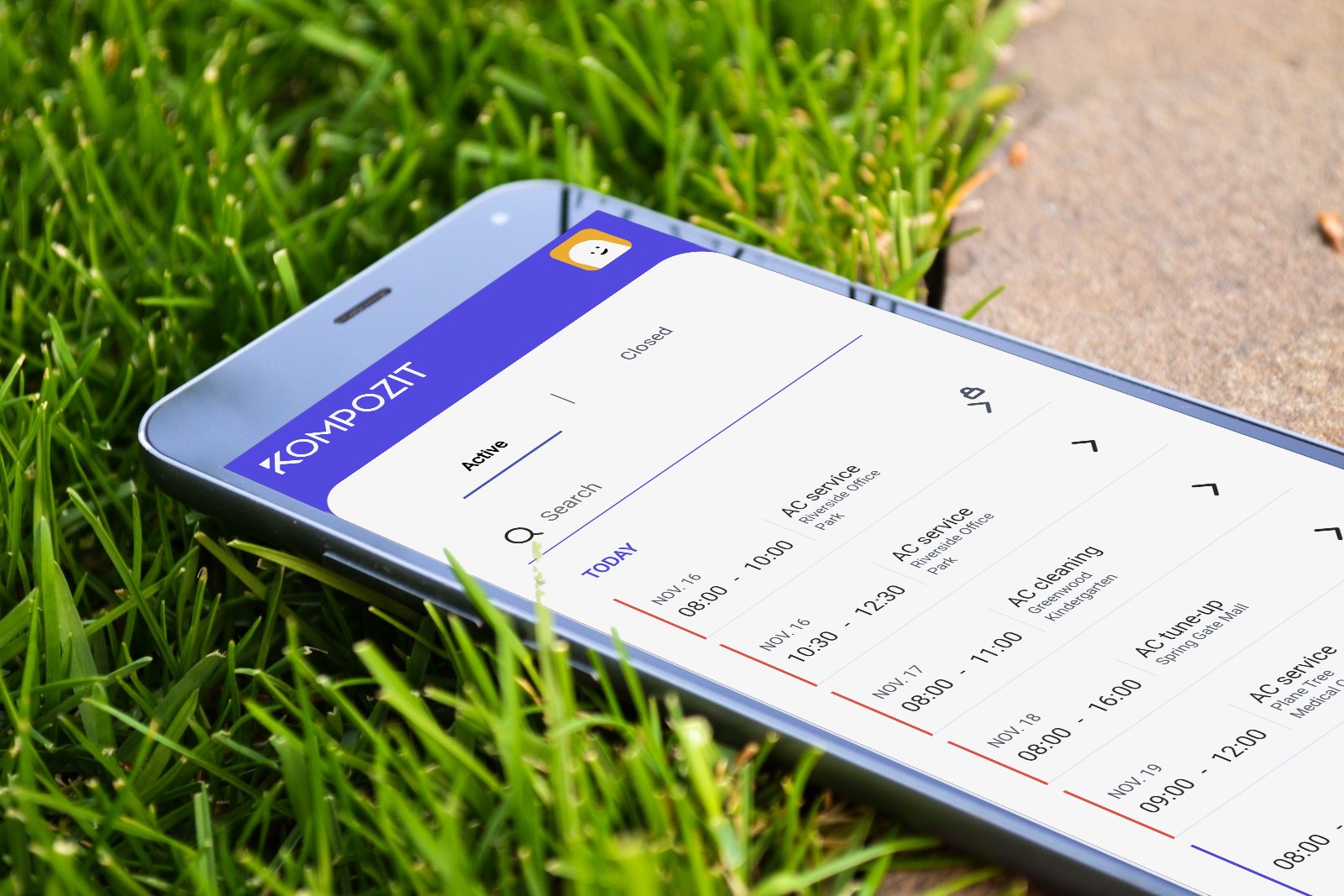
When designing Kompozit, we made sure it's easy to use even for people who aren't used to mobile devices.
This is closely tied to user experience but often overlooked: in what conditions will your team use the app? If they need to take photos standing at the top of a pole, a phone works better than a tablet. If they work in pouring rain, how fast the service report can be filled in matters. And if they work in the middle of a forest or in an underground garage, an offline mode helps. For other features worth looking for, see this article.
Ideally the vendor would train your team on site, but in practice that's often hard to arrange. Ask whether they offer online training or video tutorials.
Don't roll it out to the whole team at once. Start with a pilot crew of your most open-minded colleagues: they try it on real jobs, find the weak spots, and later help the others.
If you're looking for FSM software your technicians will actually like using, request a free demo.
Involve them from the selection stage, choose a simple app designed for mobile, test it in real field conditions and start with a pilot crew. Once technicians see the software speeds up their work, they'll use it willingly.
A well-designed mobile app can be learned within a few jobs. Our own data shows that people who try Kompozit's digital service report are faster by their third or fourth report than they would be filling in the same report on paper.
Ask what bothers them and take the answers seriously: often it's a slow step or tough conditions (rain, gloves, no signal). Show them what they gain, such as no more filling in paper afterwards and dropping it off at the office, and start with the most open-minded colleagues.
Not necessarily. For simpler apps, an online demo and a few short tutorials are often enough. For larger teams, on-site training is worth it: Kompozit's Enterprise plan includes training.
