
Good field service management (FSM) software does ten things: it schedules jobs and manages capacity, gives technicians a mobile app, works offline, creates digital service reports, tracks equipment, provides reports, takes customer service requests, manages inventory, supports travel, and connects to your other systems.
FSM software supports work in the field: it makes site surveys, installation, service and maintenance jobs easier to organize and keep track of. In this article we go through the features one by one, with what to look for and what to ask the vendor. If you are interested in the selection process itself, read this article.
A good capacity planning module makes sure you use your resources well and serve customers quickly without overloading your team. Always assign the right technician to the right job and cut travel distances. We cover this in more detail in the article on capacity planning.
Ask the vendor: does the system flag when a technician is already booked, and can several technicians work on the same job?
The mobile app is the technicians' main tool: it's where they see their schedule, update job status and reach customer data. It should be easy to use and, ideally, a dedicated native app rather than a responsive web page.
Ask the vendor: is there an iOS and an Android app, and how long does it take technicians to learn it?
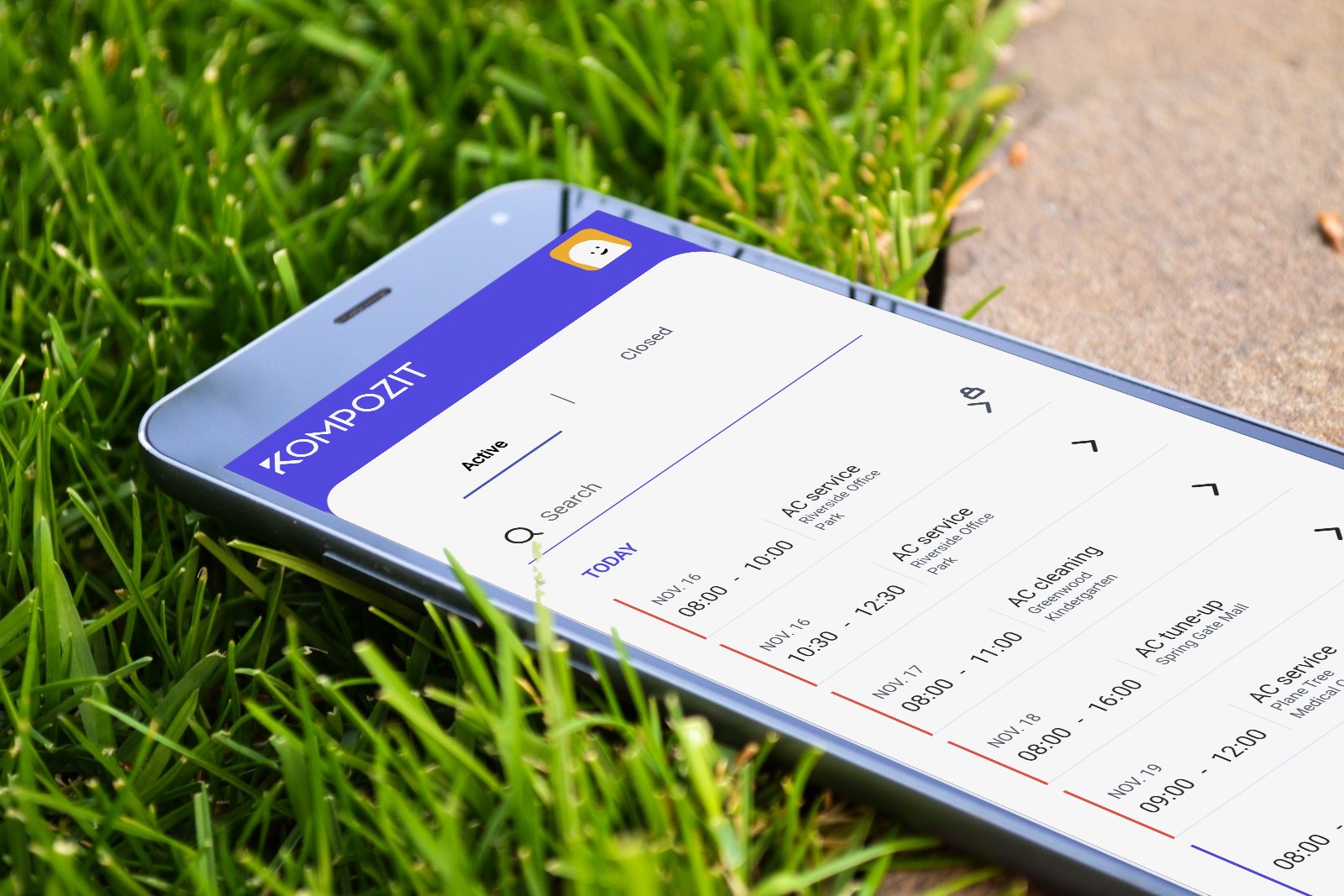
Working without an internet connection is essential if technicians often work where reception is poor, such as underground garages, basements or mechanical rooms. In offline mode they can still access job details and fill in the service report.
Ask the vendor: without signal, can you only view data, or can you also fill in the service report, take photos and get a signature? We cover this in detail in this article.
Moving from paper to digital saves time and gives you more accurate data. The technician submits the service report in real time, which speeds up invoicing and makes record-keeping easier. For what should go on a service report, see this article.
Ask the vendor: can the customer sign on site and also remotely via a link, and can the service report be customized?

If you do maintenance or service, equipment tracking is at least as important as the service report. In a good system, every unit has its model, serial number, location and full service history, and the technician can identify it on site instantly. In Kompozit you can set maintenance tasks, a parts list and an exploded view per equipment model, identify equipment by QR code, and get reminders when maintenance is due.
Ask the vendor: can equipment be tied to a location, identified by QR code, and given default tasks per model?
To analyze performance, understand trends and make informed decisions, you need comprehensive reports. Look for FSM software whose reports can be filtered by several criteria and exported.
Ask the vendor: can labor and materials reports be filtered by customer, technician and date range, and exported to Excel?
Customers should be able to report a problem easily, for example through a form on your website, and the request should land directly in the system, not in an inbox. Some tools also offer a customer portal where customers can see job status and service history. The more transparent the communication, the better the customer experience.
Ask the vendor: how does a request reach the technician, and what does the customer see of it?
Built-in inventory management helps you track stock levels and makes sure technicians always have the parts and materials they need. That reduces delays and raises your first-time fix rate.
Ask the vendor: does material usage recorded on the service report show up in the reports automatically?
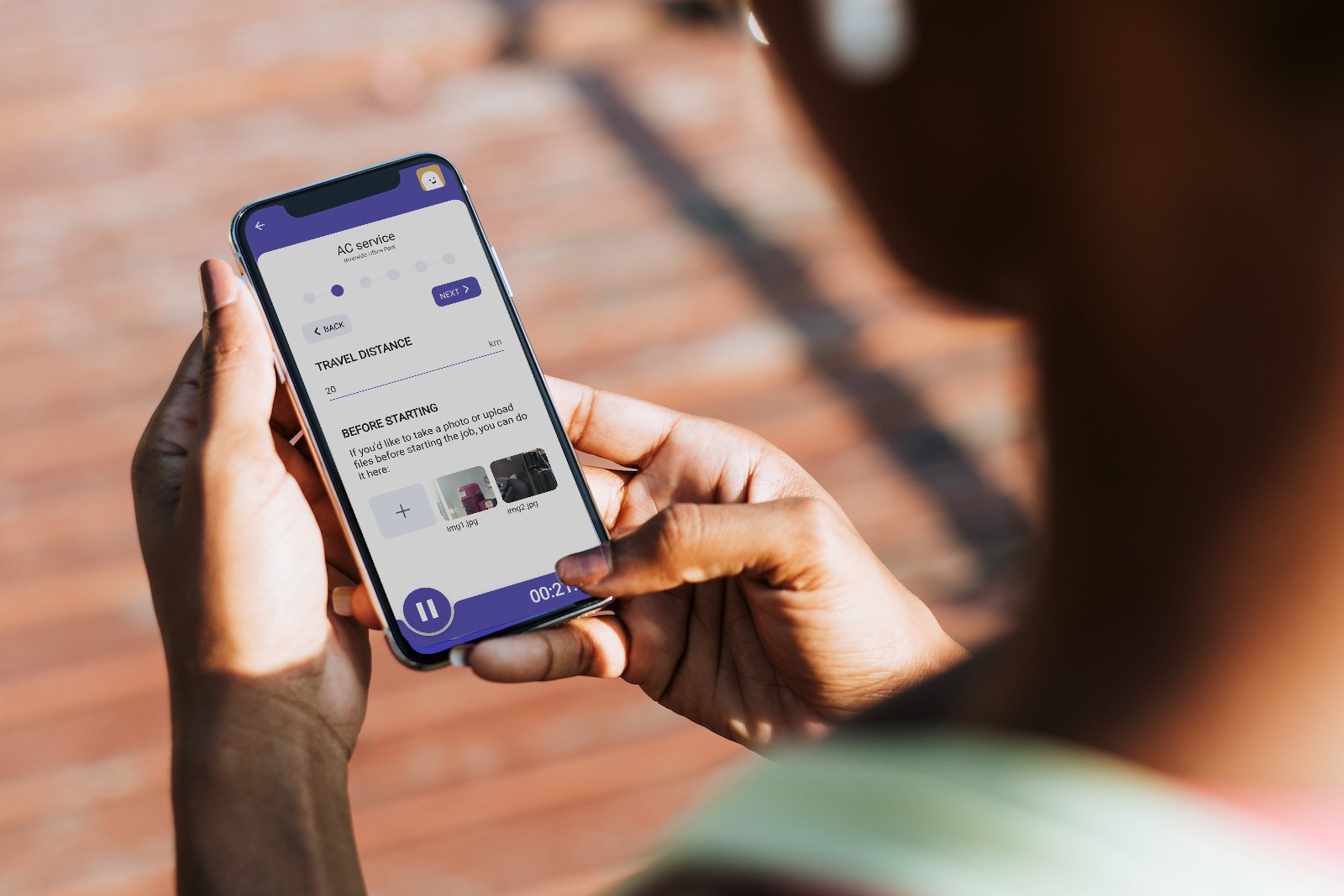
GPS features help field crews with travel and reduce travel time and costs.
Ask the vendor: does the system record travel distance, and are locations saved on photos taken for the service report?
To connect FSM software with other systems such as your CRM, ERP or accounting software, it needs a well-documented API and must be able to receive webhooks.
Ask the vendor: is there a ready-made integration with QuickBooks, Xero or FreshBooks, and is the API documentation public?
If you are comparing several tools, find answers to these questions:
We compared popular field service tools against this list here.
If you'd like to see how FSM software can help your business, or want to try Kompozit, request a free demo.
Good FSM software handles scheduling and capacity, gives technicians a mobile app with offline mode, creates signed digital service reports, tracks equipment and inventory, provides reports, takes service requests from customers, supports travel and connects to other systems through an API.
Because technicians often work where there is no signal: in basements, mechanical rooms, underground garages or rural sites. In offline mode they can still fill in the service report, take photos and get a signature, and the data syncs as soon as they are back online. Without it, the work stops or has to be copied over from paper later.
Equipment tracking is the list of machines and units at your customers' sites with model, serial number and location, plus the service history of every job done on them. In Kompozit you can also set maintenance tasks, a parts list and an exploded view per equipment model, identify equipment by QR code, and get reminders when maintenance is due.
For technicians in the field, a native mobile app is recommended. It is faster, handles the camera and GPS better, and usually only a native app can offer real offline mode. The web app is ideal for office work such as scheduling and reports.
